
What is ChefCollect?
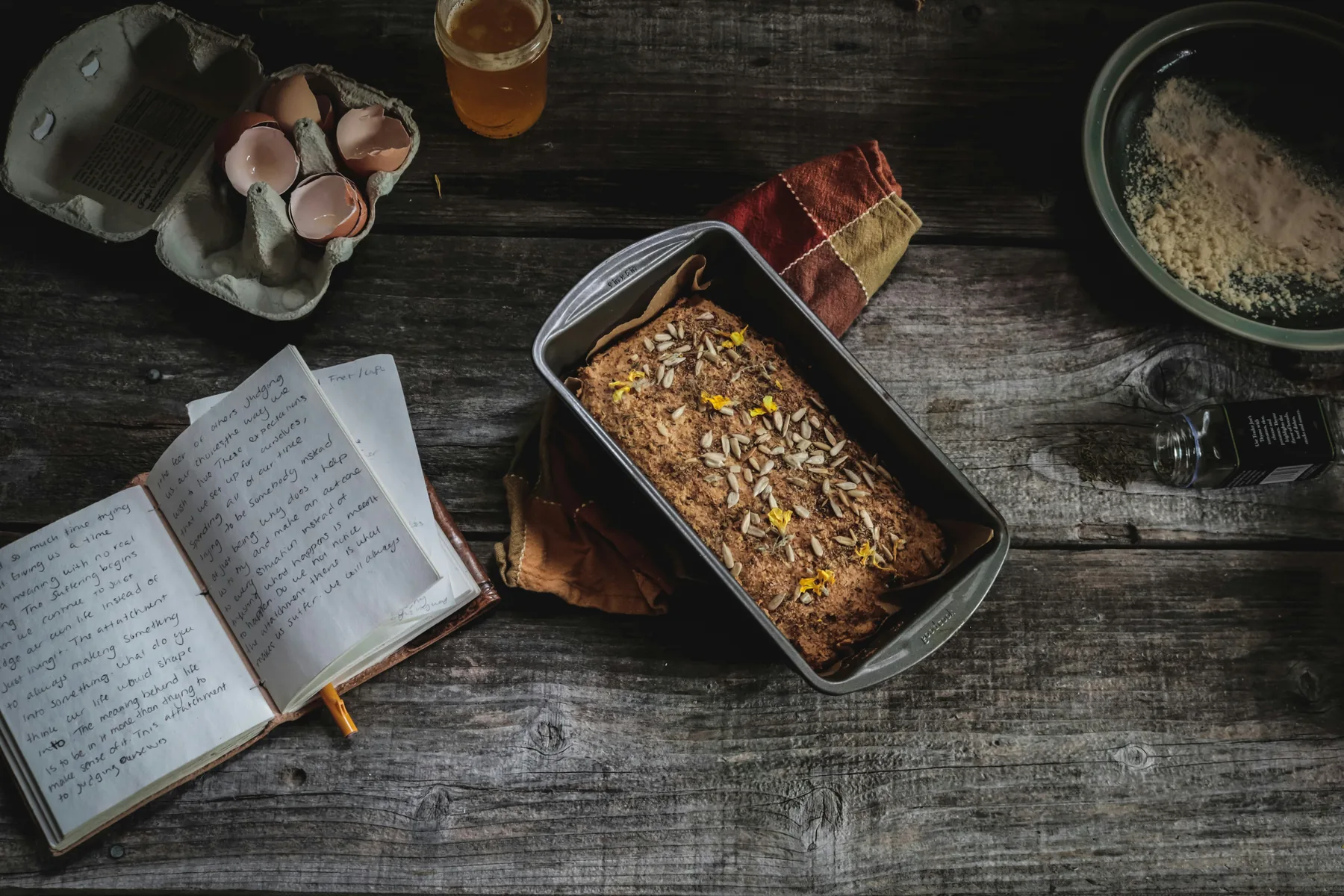
The recipes you love rarely live in one place. One is on a handwritten card. Another is in a cookbook, a screenshot or a browser tab you meant to return to.
ChefCollect is a personal recipe organiser that gives those recipes one home. Add them to your collection, check and edit the details, group them in a way that makes sense to you, and find them when it’s time to cook.
How ChefCollect works
Save recipes from the places you find them
Add a recipe yourself, paste in recipe text, upload a photo or screenshot, or import a link from a supported recipe website. Link import is currently an Alpha feature with a monthly allowance based on your plan. That includes family recipes written on paper as well as dishes you discover today.
Check the version you want to keep
When ChefCollect extracts details from an image, you can review and edit the result. Correct an ingredient, adjust a step or add the details that matter to you before you rely on it in the kitchen.
Organise and find it again
Put recipes into collections, search and filter your library, mark favourites and keep notes. Whether you remember the dish, the collection or just that you saved it somewhere, your recipes are easier to find than a pile of bookmarks and photos.
Cook, remember and share
Log when you make a recipe so you can revisit dishes you enjoyed. You can also share your home recipes and collections with friends and family.
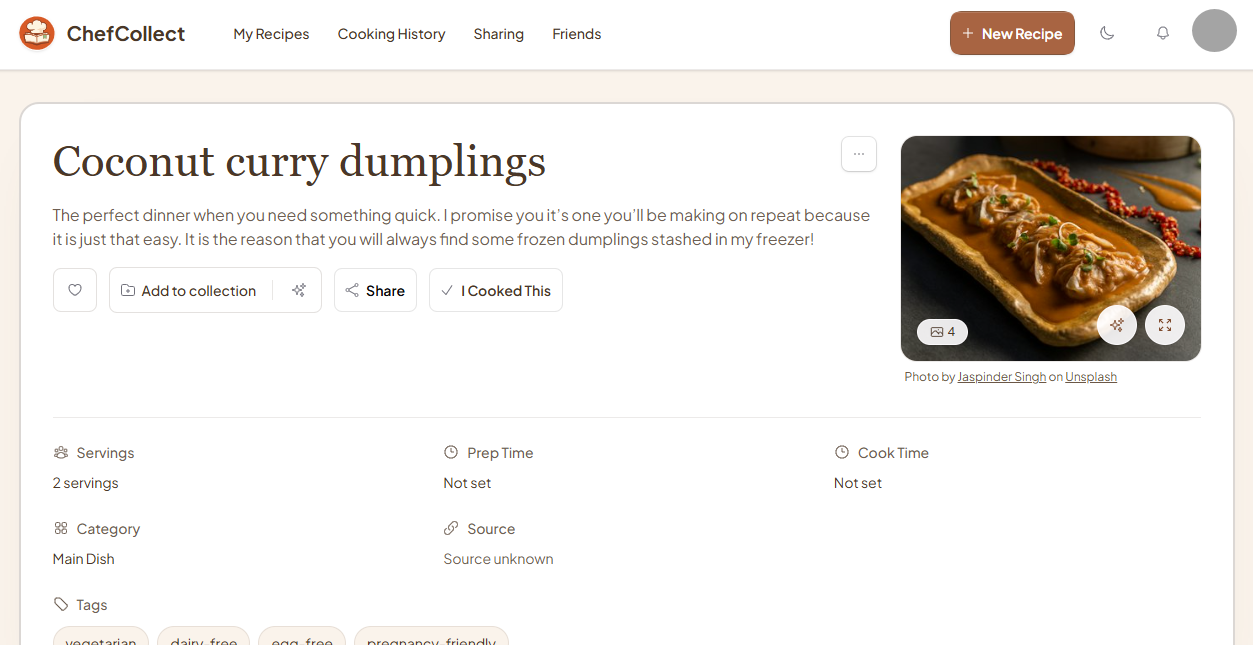
A helping hand from AI, with you in control
ChefCollect can help turn an uploaded recipe image into editable ingredients and steps. It can also suggest collections as you add recipes. Review each suggestion and decide whether to add it; your collection stays organised the way you choose.
Made for the recipes that matter to you
ChefCollect is useful if you want to:
- keep handwritten family recipes somewhere you can find them;
- bring favourite cookbook recipes and saved screenshots into one collection;
- organise the dishes your household cooks regularly; or
- share your own recipes with the people you cook for.
You do not need a perfectly organised collection to begin. Start with one recipe you would be sorry to lose.
Common questions
Can I add a recipe without a photo?
Yes. You can enter a recipe manually or paste in recipe text.
Can I import a link from any recipe website?
Direct link import works with supported websites and uses a monthly allowance based on your plan. If a site is not supported or you have reached your allowance, you can still add the recipe manually, from text, or from a photo or screenshot.
Do I have to use AI collection suggestions?
No. You can review each suggestion and choose whether to add it to a collection.
Can I start for free?
Yes. You can start with a free account. See pricing for the current plans and limits.
Give your recipes a home
See the Using ChefCollect walkthroughs for help adding and organising recipes. If you have questions, visit help and support.
Create your free accountChefCollect is made by Melodious Coders Ltd. You can read how we handle information in our privacy policy.