
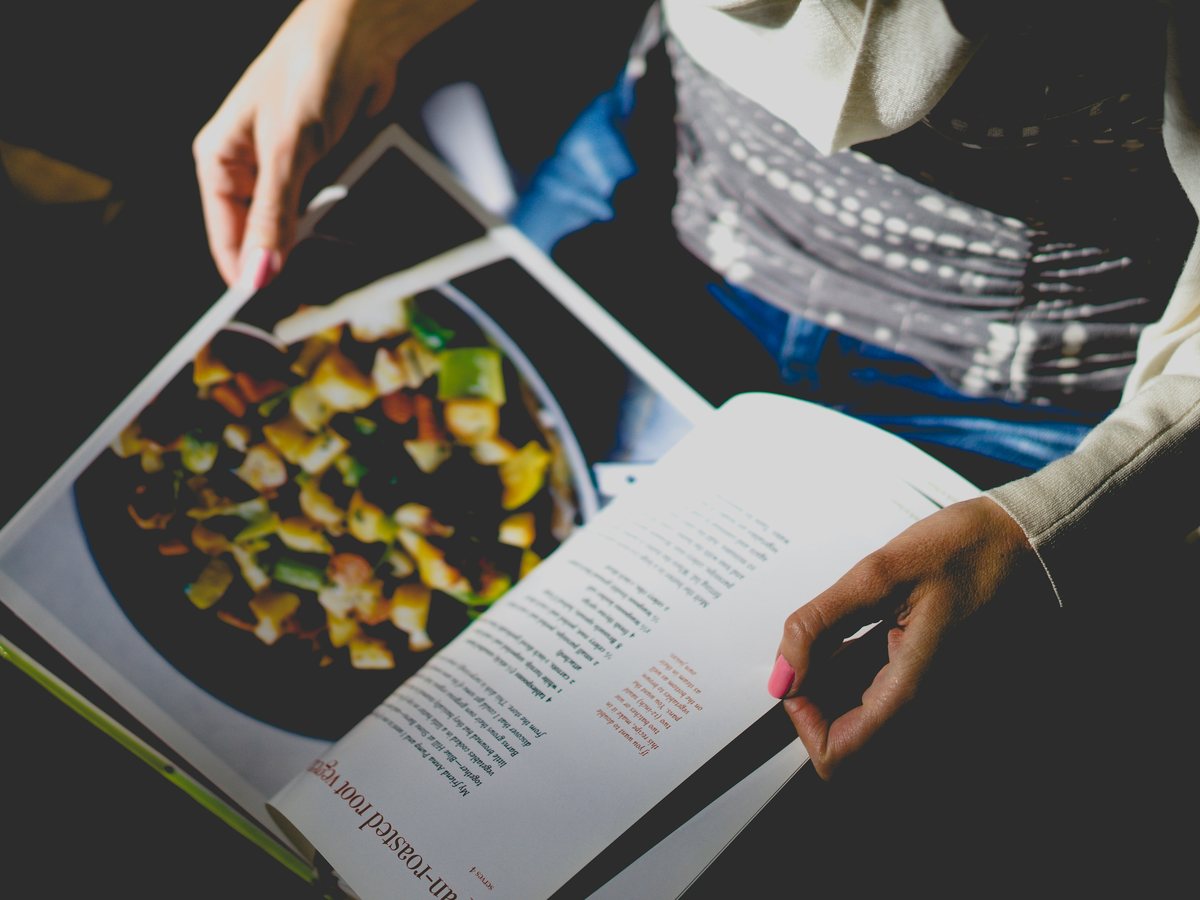
Import a recipe from a photo
Bring a cookbook page or handwritten card into your library and make the recipe your own.
Product walkthroughs
Recipes arrive in all sorts of places: a cookbook, a card in a drawer, a message, a document, or a browser tab. These walkthroughs show how to bring them into ChefCollect, check that the saved version is usable, and find it again when you want to cook.
You can read the walkthroughs without signing in. To follow the steps in your own recipe library, you will need a ChefCollect account.
Bring a cookbook page or handwritten card into your library and make the recipe your own.
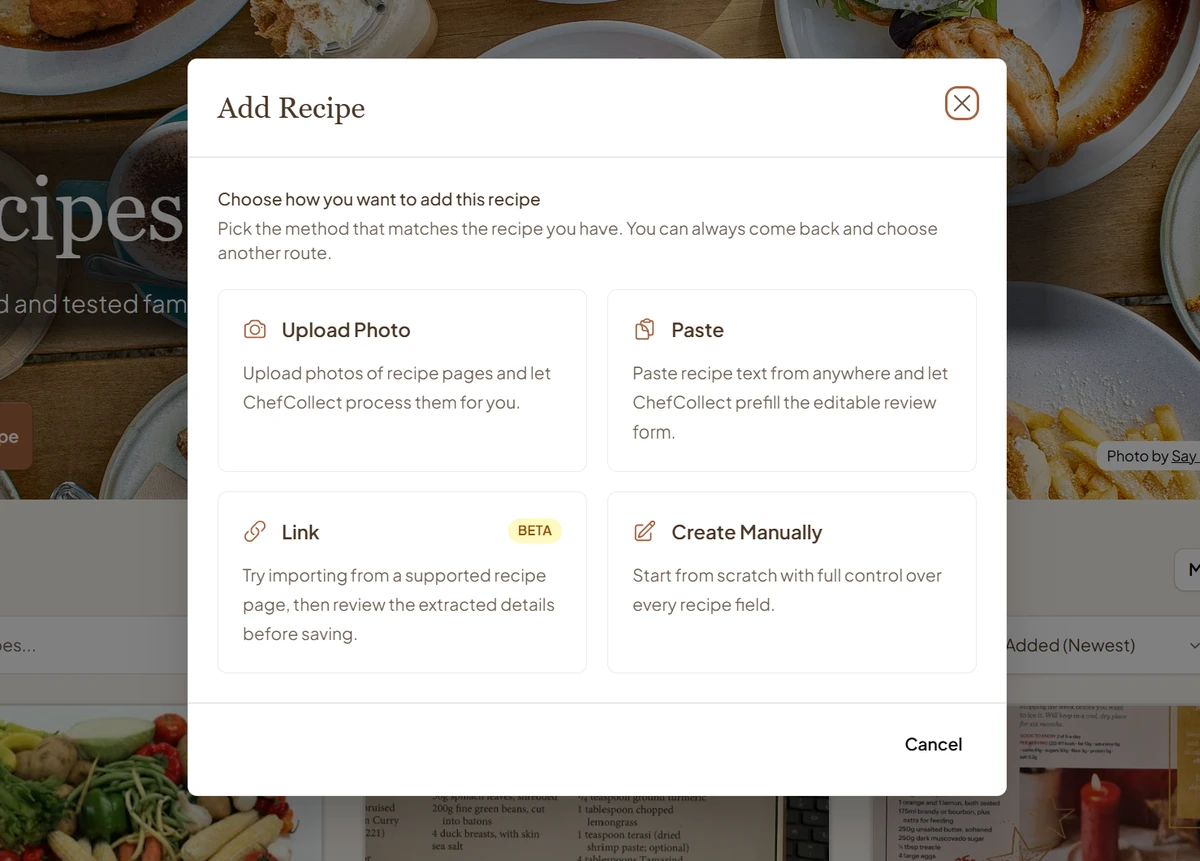
Choose pasted text, a supported recipe link or manual entry, then review the result before saving.
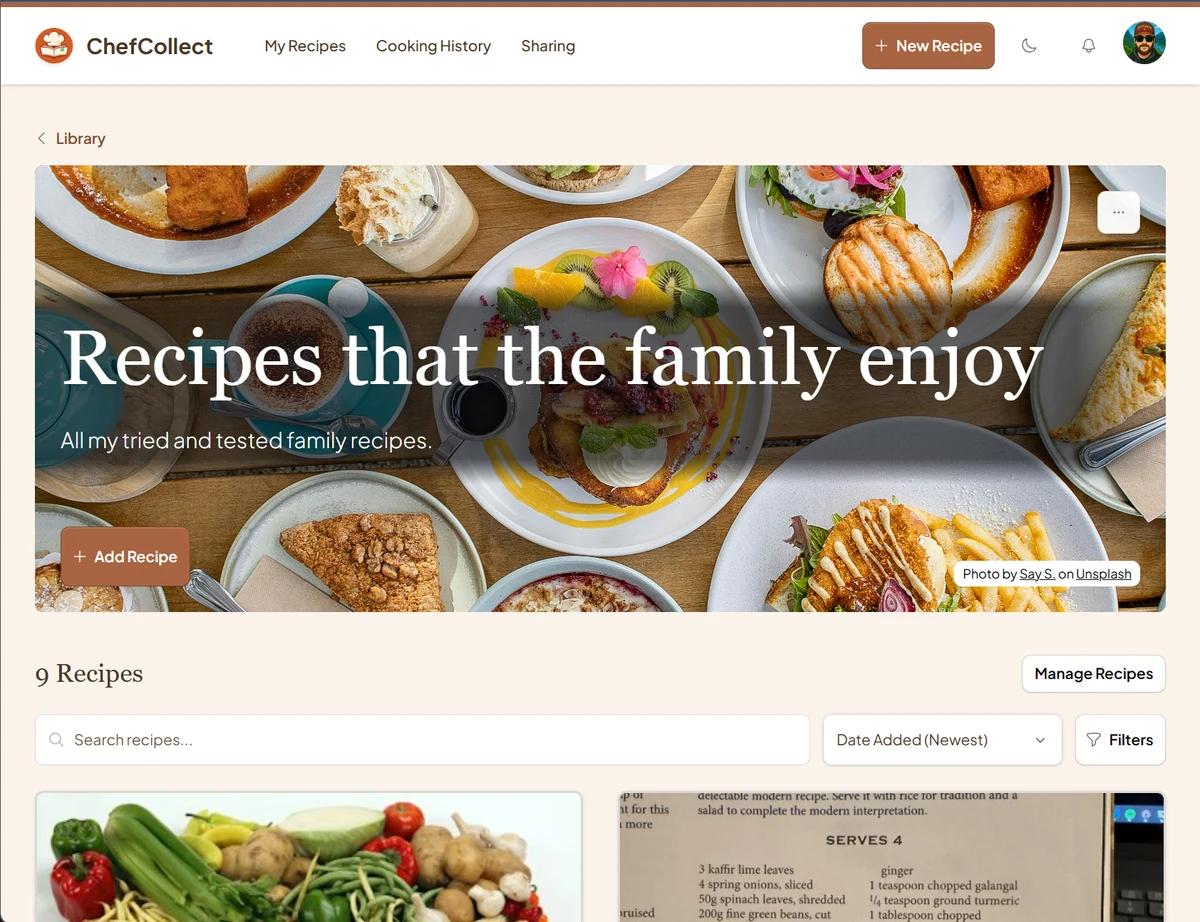
Create collections, add recipes already in your library and search for the dish you want.
The Learn to cook guides cover techniques and ingredients, from knife cuts to rescuing a split sauce. The walkthroughs here focus on using ChefCollect to keep and organise your recipes.