
Product walkthrough
Bring a recipe into ChefCollect from somewhere else
Choose between pasted text, a supported recipe link and manual entry, then check the editable recipe before saving.
If your recipe is in a photograph of a cookbook page or handwritten card, start with the photo import walkthrough. This guide covers the other ways to bring a recipe into ChefCollect: paste its text, import it from a supported link, or write it yourself.
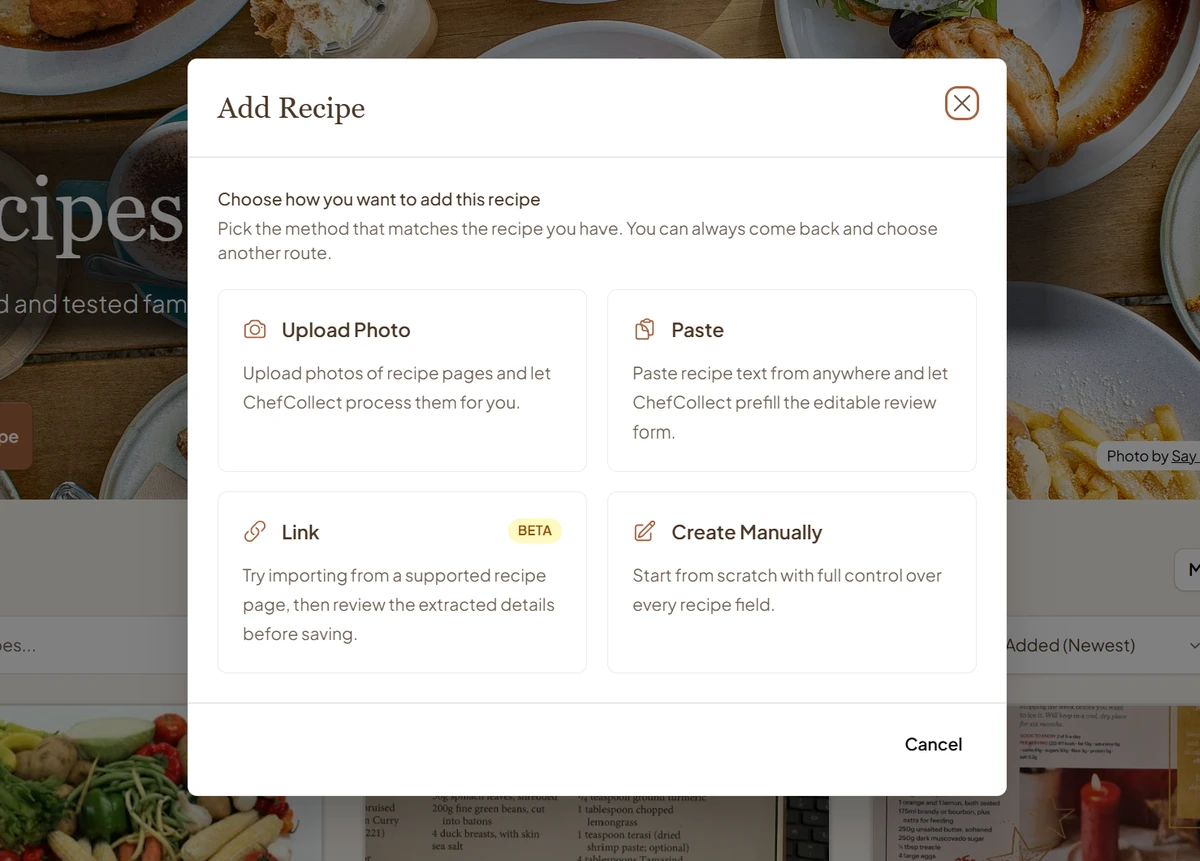
A favourite recipe might be in a document, an email from a friend, or a browser tab you keep meaning to close. Bring it into your ChefCollect library alongside the recipes from your cookbooks. You can find it on your phone, follow it on a tablet, and improve it on your laptop, without carrying the original source around.
The Add Recipe screen lets you choose the route that matches what you have. Each route gives you a recipe you can keep, use, and develop in your own collection.
Which route should you use?
| What you have | Choose in Add Recipe | What to expect |
|---|---|---|
| Recipe text you can select and copy | Paste | ChefCollect fills an editable recipe form for you to check |
| A recipe page on a site listed under Supported sites | Link | Import the page and review the editable result |
| A recipe in your head or notes you want to keep | Create Manually | Type the recipe straight into your library |
The options available to you can depend on your plan and import allowance. Add Recipe shows when a method is unavailable.
Paste a recipe you can copy
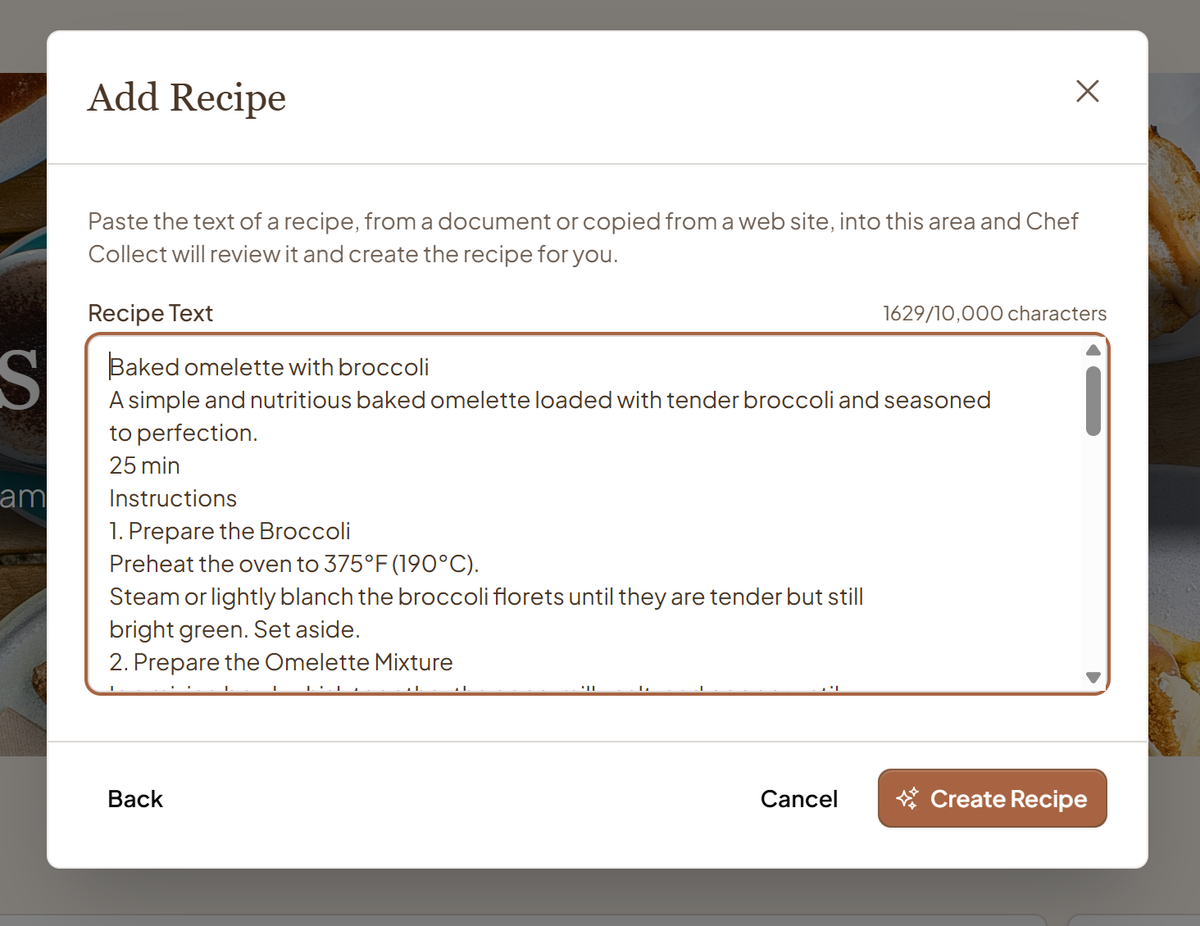
Paste a recipe from a document, email, or website you have the right to store. ChefCollect turns the text into an editable entry in your library, so a useful recipe no longer has to stay buried where you found it.
- Copy the complete recipe text.
- In ChefCollect, choose Add Recipe, then Paste. Put the text in Recipe Text and choose Create Recipe.
- ChefCollect opens an editable form with the details it found. Check the title, ingredients, category, and steps. Add anything missing and remove anything unrelated.
- Choose Create Recipe in the review form to save it. Open the saved recipe and check that your corrections appear.
The first Create Recipe button asks ChefCollect to read the pasted text. The second saves the reviewed form to your library.
What deserves a second look?
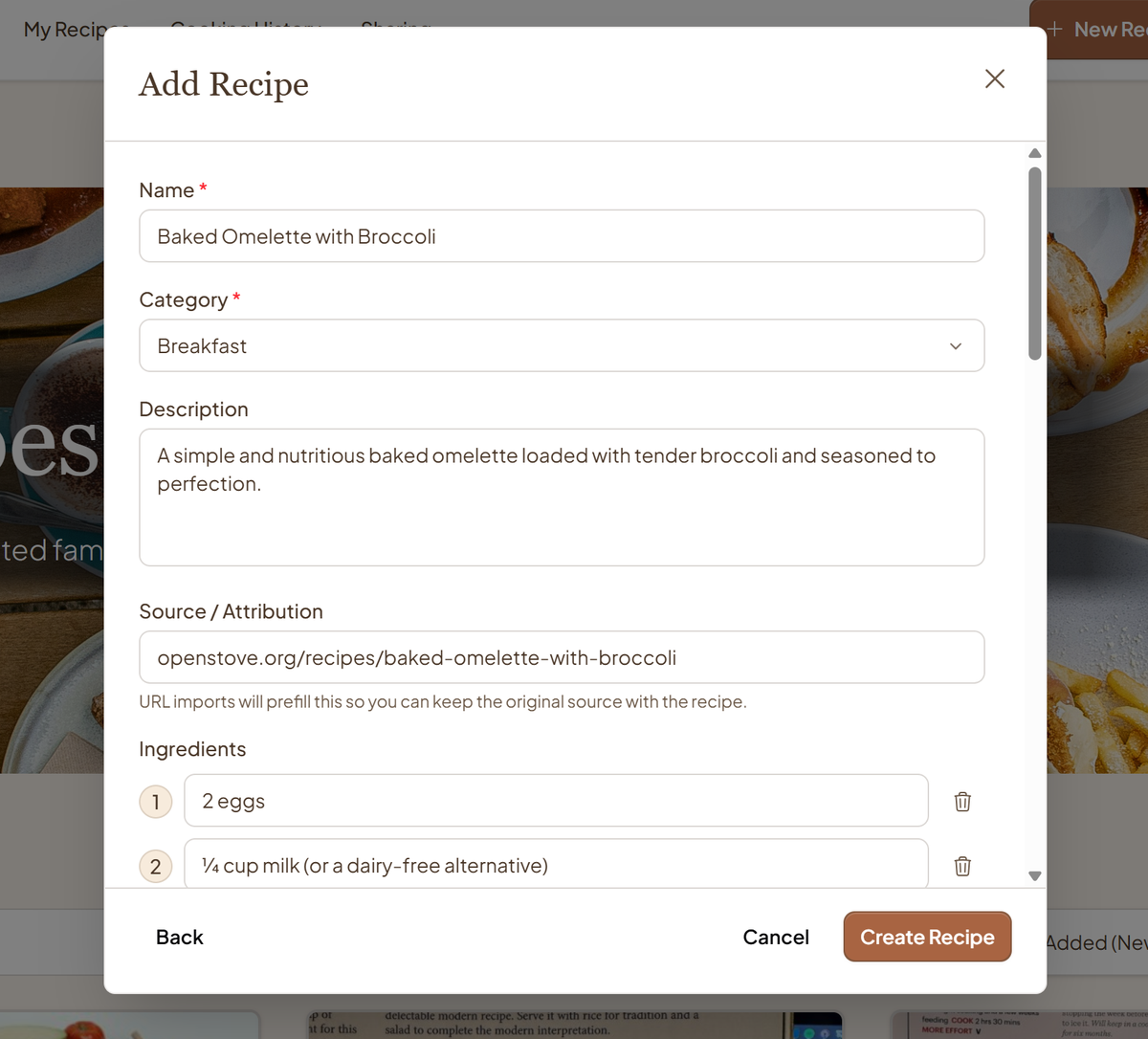
Copying and pasting can flatten lists, merge paragraphs, or separate a note from the step it explains. ChefCollect does its best to restore that context in the editable recipe. Give the method a read in order to make sure the instructions still flow as intended.
Check amounts, units, and temperatures against the original, and give the recipe a name you will recognise in search. You can also keep any source credit that belongs with it and add your own improvements before saving.
Try a supported recipe link
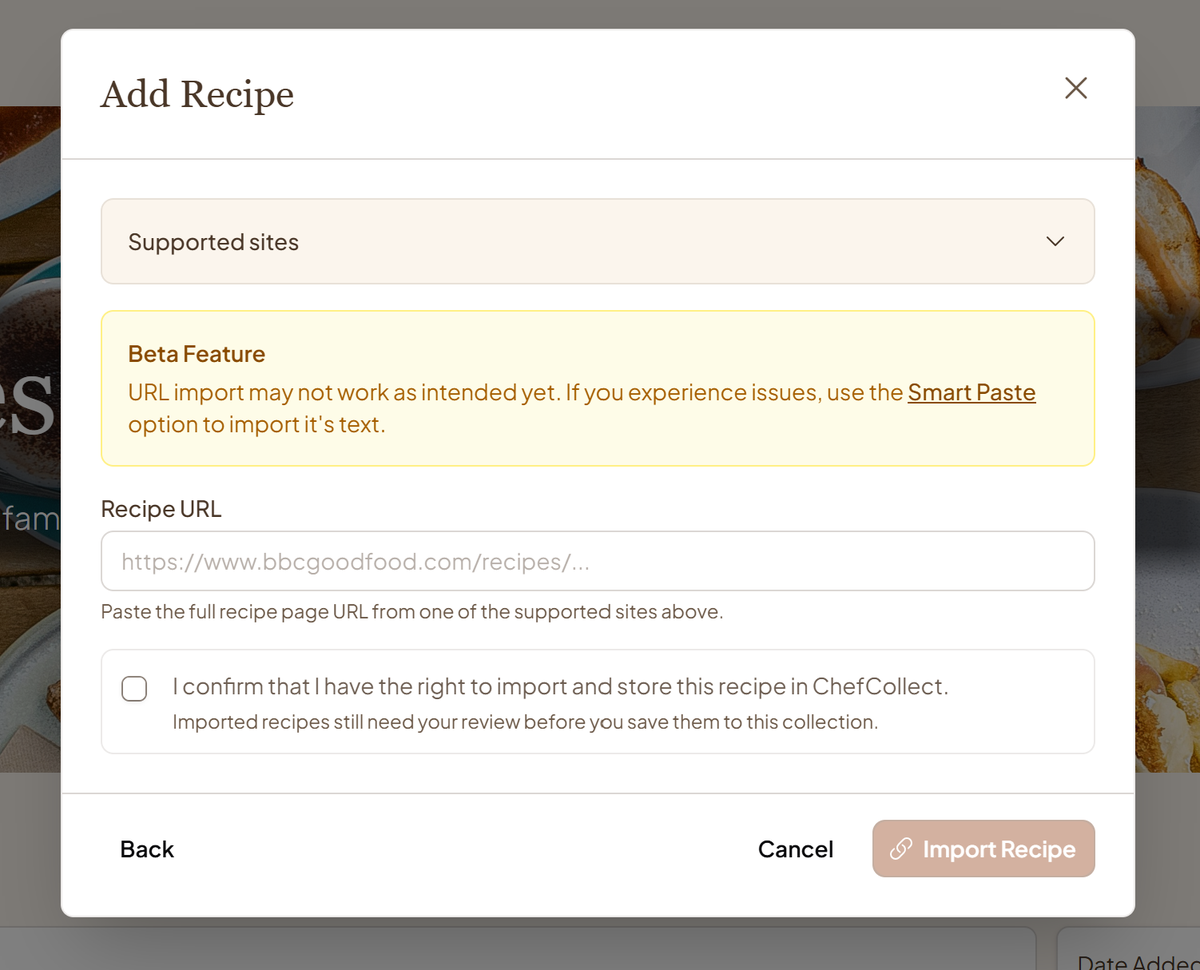
Choose Add Recipe → Link and open Supported sites to see which recipe websites work with this option. Paste the full recipe page address into Recipe URL and read the rights confirmation. Tick it if you have the right to import and store the recipe.
Choose Import Recipe, review the form ChefCollect fills in, then choose Create Recipe to save it. If a link does not import, Paste gives you another way to bring in text you can copy.
When manual entry is quicker
Sometimes the recipe is simply in your head, and you want to type it out so you can keep it. Create Manually also works for a short list of notes you want to turn into a recipe. Enter a name, the ingredients you remember, and the steps in cooking order.
Save what you know now, then add a cooking time or a useful note after you have made it. Once recipes are in your library, organise them into collections so you can find them again.
Whichever route you choose, your recipe is there to use and improve the next time you cook.