
Product walkthrough
Import a recipe from a photo
Bring a cookbook page or handwritten card into your ChefCollect library, then find and improve the recipe wherever you cook.
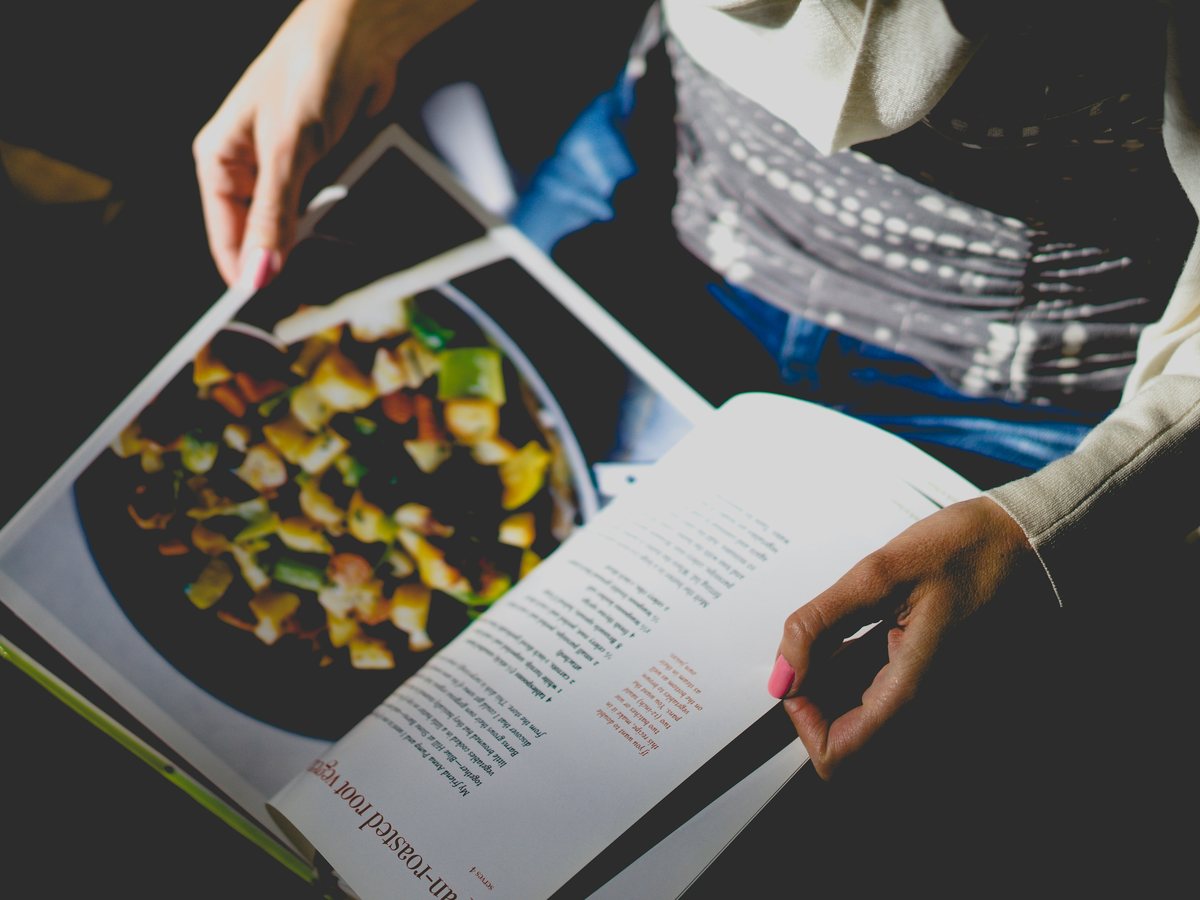
Your favourite recipes may be scattered across cookbooks, handwritten cards, and loose pages. Importing them from a photo brings them into your ChefCollect library alongside the recipes you already use. You can find one on your phone whilst at the supermarket, use your tablet to follow along in the kitchen, or make changes on your laptop. Your cookbooks can stay looking pretty on the shelf.
Once a recipe is in your library, it is yours to develop. Adjust the ingredients to suit your taste, add a useful note after cooking it, or update the method for next time. The version you reach for is the one you have made your own, wherever you sign in to ChefCollect.
Bring a recipe in from a photo
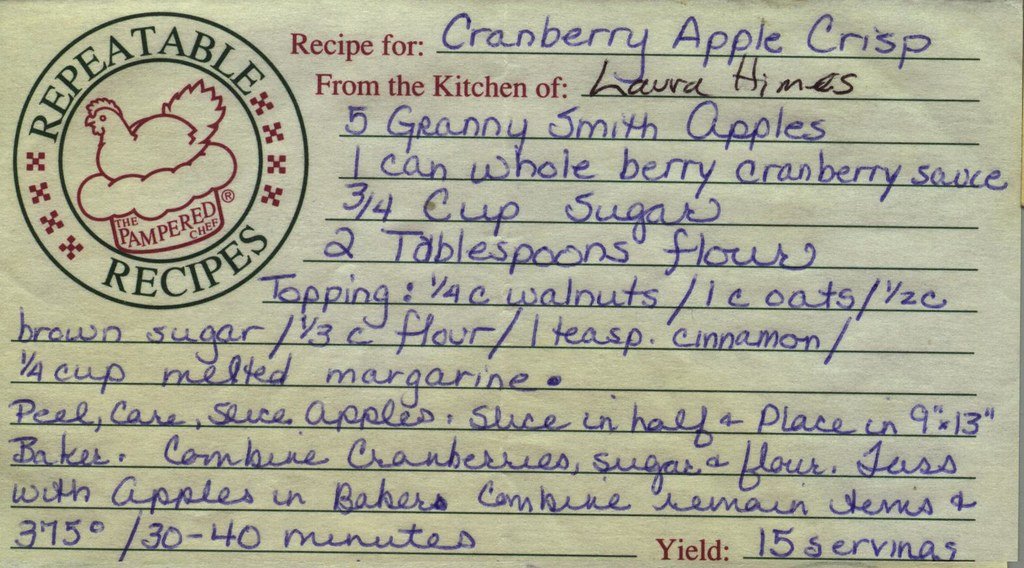
ChefCollect accepts photos of printed cookbook recipes and handwritten cards. In Add Recipe, choose Upload Photo and select the photo or photos you want to use. You can start from your recipe library or from a collection if you already know where the recipe belongs.
If a recipe spans several pages you can add multiple photos to one recipe. ChefCollect will combine the photos into one recipe entry for you.
Turn the imported recipe into your version
ChefCollect gives you ingredients and a method you can edit, so you do not have to type out the whole page. Use the edit controls to give it a name you will recognise, adjust quantities, clarify steps, or add details from the original page that matter to you. Open View source pages to see the original photo alongside the recipe as you make changes.
The best additions often come after cooking: a shorter time in your oven, a preferred ingredient, or a reminder about a step you changed. Save those improvements in the recipe so they are there the next time you make it.
Find it wherever you cook
Your imported recipe lives with the rest of your ChefCollect library. Search for it by name, or add it to a collection such as family favourites or weekend baking. The guide to organising your recipes shows how to keep related dishes together.
Sign in to ChefCollect on your phone, tablet, or laptop to open your recipe when you need it. That means the cookbook or card can stay safely at home while the recipe, and the improvements you have made to it, travel with you.